

An LMS is a software application that sits at the centre of modern education and corporate training — but choosing the wrong one costs you time, money, and learner engagement. This guide covers everything you need to know: what a learning management system does, which type of LMS fits your context, which features actually matter, and how to find the best LMS for your organisation’s specific needs.
|
📌 Key Insights
|
The development of e-learning would not be possible without advanced tools. Many of them cover learning management and focus on providing the right environment for distance learning. LMS platforms play a key role in the whole process. Whether you are running a university, a language school, or a corporate training department, the LMS you choose will shape your learners’ daily experience — and your team’s ability to deliver, measure, and improve it. 
What Is a Learning Management System?
A learning management system (LMS) is software that supports the full process of online learning. An LMS is a software application, meaning it handles everything from course creation and learner enrolment to progress tracking, reporting, and certification — within a single platform. Rather than requiring separate tools for each task, an LMS consolidates the operational and pedagogical functions of education into one place.
Here’s what an LMS platform typically provides to both instructors and learners:
- Easy access to online courses — learners log in and find their assigned content without navigating multiple systems.
- Course registration and enrolment management — administrators control who joins which programme and when.
- Distribution of learning materials — documents, videos, slides, and assessments are all hosted and accessible in one place.
- Tracking students’ progress — the LMS records completion rates, quiz scores, and time-on-task automatically.
- Monitoring results and generating reports — instructors and administrators get the data they need to evaluate programme effectiveness.
- Direct delivery of various types of classes — from asynchronous self-paced modules to live virtual classroom sessions.
It is worth noting that LMS systems cover a very broad category of tools. Most often, an LMS platform is a comprehensive software solution that aggregates the various IT solutions necessary for engaging knowledge sharing and learning. Other tools — such as LCMS (Learning Content Management System) platforms — are often grouped into the same category, but they focus primarily on content creation and management rather than the full learner journey.
How LMS Works: From Login to Completion
Understanding how an LMS works helps organisations set realistic expectations during LMS implementation. From a learner’s perspective, the LMS usually presents a dashboard showing enrolled courses, upcoming deadlines, and progress indicators. From an administrator’s perspective, the LMS delivers a backend where course management, user permissions, and reporting all live.
The LMS facilitates the flow of learning events from creation to delivery to evaluation. An instructor creates a training course inside the LMS, assigns it to a learner group, and the LMS automatically notifies enrolled participants. Learners complete the content, the LMS records their activity, and administrators pull analytics from a centralised panel. This cycle — create, assign, deliver, track, report — is what every LMS must be able to complete reliably.
As organisations grow, the LMS technology becomes more critical. A new LMS that works well for 50 users may not scale to 5,000 without the right architecture. This is one of the reasons why choosing the right LMS from the start matters so much for long-term learning and development outcomes.
|
Want to see how a virtual classroom integrates with your LMS? Try ClickMeeting free for 14 days and experience it firsthand. |
Types of LMS: Which Model Fits Your Organisation?
Before you start finding an LMS, it helps to understand the fundamental architecture choices. The type of LMS you deploy affects everything from your IT requirements to your ongoing costs to how much control you have over customisation.
Cloud LMS vs. Self-Hosted LMS: What’s the Difference?
A cloud-based LMS is hosted on the vendor’s servers and accessed through a browser — no installation required on the organisation’s side. A cloud LMS typically runs on a subscription model and is maintained, updated, and secured by the vendor. This makes it the lower-friction option for most organisations, particularly those without dedicated IT teams. A self-hosted LMS, by contrast, is installed on the organisation’s own servers. An installed LMS gives the organisation full control over data, customisation, and integrations, but requires technical expertise to maintain.
A traditional LMS in the on-premise sense is increasingly rare — most organisations are moving to cloud-based deployments for the scalability and reduced maintenance overhead. That said, institutions with strict data residency requirements (particularly in healthcare or government) may still opt for a self-hosted LMS to maintain full data sovereignty.
Academic LMS vs. Corporate LMS: Different Goals, Different Features
The type of LMS an organisation needs also depends on its purpose. An academic LMS is built around semester-based course structures, student enrolment systems, gradebooks, and compliance with educational accreditation standards. Corporate LMS systems, by contrast, are built around employee onboarding, compliance training, skills development, and business performance metrics.
A corporate LMS is also more likely to need integrations with HR software, CRMs, and performance management platforms. Companies use LMS platforms not just for learning, but as part of their broader talent development infrastructure. The LMS is a strategic tool in this context — not just a content repository, but a driver of business outcomes.
A training LMS for professional development typically sits somewhere between the two: it needs flexible course structures, robust assessment tools, and often a mobile LMS capability to support field-based or remote workers.
Core LMS Features That Actually Matter
Every LMS vendor will publish a long list of LMS features. The key is knowing which ones are table stakes, which are differentiators, and which are rarely used in practice. Here’s a practical breakdown of the LMS features that genuinely affect learning outcomes.
Learning Paths, Personalisation, and Progress Tracking
The ability to build structured learning paths is one of the most valuable features any LMS offers. A learning path defines the sequence in which a learner progresses through content — ensuring that foundational modules are completed before advanced ones, and that learning objectives are met in the right order. An LMS that offers personalised learning paths enables organisations to adapt the journey to different learning styles, roles, or skill levels, rather than pushing every learner through the same linear sequence.
Personalized learning paths are particularly powerful in corporate settings where employees have different starting points. A new hire and a five-year veteran should not follow the same onboarding track. An LMS that allows administrators to personalize learning for different cohorts dramatically improves both the relevance and the completion rate of any training program.
Progress tracking is the operational backbone of this. The LMS records each learner’s activity at a granular level — modules completed, quiz scores, time spent, and any gaps in coverage. This data feeds into the reporting layer, giving L&D managers the visibility they need to intervene early when learners fall behind on their learning objectives.
Social Learning, Collaboration, and Different Learning Formats
Modern learners don’t learn in isolation. Social learning — the process of learning through interaction with peers, instructors, and collaborative content — is one of the most effective types of learning and one that a traditional LMS often underserves. The best LMS platforms build social learning into the experience: discussion forums, group projects, peer review, and live Q&A sessions alongside self-paced content.
An LMS that supports different learning formats — synchronous live sessions, asynchronous video, interactive assessments, and social discussion — gives instructors the flexibility to match their pedagogy to their audience. This is particularly important for blended learning programmes that combine in-person and online elements. The LMS must accommodate all these formats within a single coherent interface rather than requiring learners to switch between multiple systems.
Analytics, Mobile Access, and Learning Tools
Every LMS provides some form of reporting, but the depth and usability of analytics varies significantly between platforms. LMS tools that surface actionable data — not just completion rates, but engagement patterns, drop-off points, and cohort comparisons — give instructors and administrators a genuine basis for improving their programmes. An LMS enables learners to self-monitor their progress when dashboards are clear and intuitive; it enables managers to spot systemic issues when the analytics are deep enough.
Mobile access is no longer optional. A mobile LMS allows learners to complete modules on a smartphone or tablet, which is critical for organisations with distributed workforces, field teams, or learners in different time zones. An LMS that forces learners onto a desktop computer creates friction that directly reduces completion rates. Every mobile device a learner uses should deliver the same quality experience as the desktop version — responsive design, offline access where possible, and push notifications for reminders.
Beyond core learning tools, the best LMS options also include features like certificate generation, competency mapping, and SCORM/xAPI compliance for content portability. These learning tools may seem secondary until you need them — at which point not having them creates significant rework.
Benefits of an LMS: Why Organisations Invest in One
The benefits of using an LMS go beyond administrative convenience. Done well, LMS implementation changes the entire quality and scalability of how an organisation transfers knowledge. Here’s what LMS technology actually delivers for each group involved.
Benefits for Educators, Trainers, and L&D Teams
An LMS can help training teams do more with the same resources. Rather than manually coordinating registrations, chasing completions, or distributing materials by email, an LMS automates these tasks — freeing instructors to focus on the quality of the content and the learning experience itself. The LMS supports the full programme lifecycle: from building a training course and assigning it to the right cohort, to reviewing results and iterating based on data.
Here’s what LMS helps organisations achieve on the delivery side:
- Create and manage courses — link modules to specific subjects, enrich them with learning materials, and manage registration in one place.
- Automate recording and distribution — an LMS allows automatic recording of live sessions and publication to learners directly within the platform.
- Control access and security — the LMS provides granular control over who sees what content, ensuring proprietary materials stay protected.
- Manage permissions across roles — large organisations can assign different roles (administrator, instructor, learner, guest) without compromising system stability.
- Access statistics and feedback — an online LMS gives training managers data on every session, cohort, and individual learner, enabling evidence-based improvements to any training program.
For learning and development professionals, the LMS also acts as the institutional memory of training activity. Every programme delivered, every assessment taken, every certificate issued is stored and reportable — which matters enormously for compliance-heavy industries.
Benefits for Learners: A Better Learning Experience
From a learner’s perspective, a well-configured LMS makes the learning experience simpler, more flexible, and more engaging. Rather than receiving content via email or attending inflexible scheduled sessions, learners access their programmes on their own schedule, pick up where they left off, and track their own progress. The LMS connects learners to all the resources they need — including live virtual classroom sessions — without requiring them to navigate multiple platforms.
Key benefits of an LMS for learners include:
- Simple login to the virtual classroom — with a well-integrated LMS, joining a live session is a one-click action from inside the platform.
- Access from any mobile device — m-learning (mobile-based learning) is increasingly how learners consume content, and the LMS must support it fully.
- Interactive features — when integrated with a live event platform, the LMS offers polls, whiteboards, Q&A, and chat during online learning sessions.
- Continuous contact with instructors — an LMS allows communication outside of scheduled sessions, maintaining the relationship between presenter and learner.
- Everything in one place — the biggest advantage of the LMS is convenience. Learners find their content, assignments, recordings, and certificates all within the same service.
|
“ What I see consistently with the universities and training companies using ClickMeeting through their LMS is that the integration changes the learner’s experience fundamentally — they stop thinking about the technology and start thinking about the content. When someone can go from their Moodle course page to a live ClickMeeting session in one click, without installing anything or switching browsers, the friction that usually kills engagement just isn’t there. That’s what an LMS solution should feel like: invisible infrastructure that makes teaching and learning happen smoothly. Tomasz Bołcun, Brand Manager @ ClickMeeting |
LMS in Action: Real-World Examples from Higher Education
Understanding what an LMS looks like in practice is more useful than any list of specifications. The following examples show how two of Poland’s leading technical universities use LMS platforms integrated with ClickMeeting to deliver large-scale, high-quality virtual classroom experiences.
Gdańsk University of Technology: LMS at Scale
The eLearning platform of Gdańsk University of Technology serves 1,400 university teachers and nearly 20,000 students — making it one of the most demanding LMS implementations in Polish higher education. The platform uses Moodle as its LMS foundation, with ClickMeeting integrated as the live virtual classroom layer.
The LMS provides access to an extensive statistics panel, mobile device compatibility, and a unified environment where users — both staff and students — never need to leave the system to join a live event. The simplicity of the booking workflow was a key requirement:
When booking a webinar, the academic teacher chooses, among other things, the profile of the meeting – whether it is to be a large event, e.g., a lecture, or a meeting for a smaller number of people, that works well for seminars. Next, they choose the date and time of the event. They can also introduce access regulations to the event. For example, it can exclude students who have not given the required consent.
Anita Dąbrowicz-Tlałka, PhD, Gdańsk Tech Professor
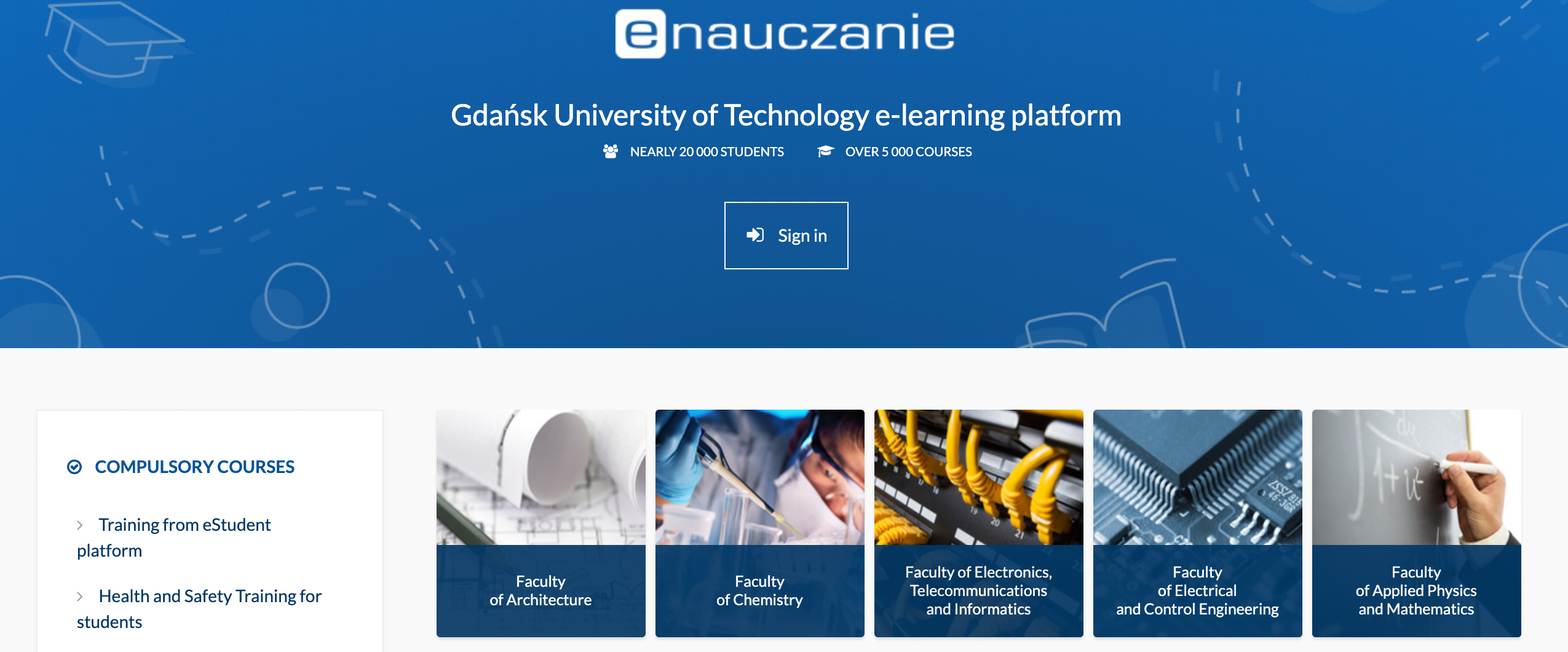
Via the integrated LMS, Gdańsk Tech delivers lectures, online training, consultations, seminars, scientific conferences, and team meetings. Every type of educational event fits within the same LMS structure — no separate booking systems, no external links for participants to manage.
AGH University of Science and Technology: LMS Built Around e-Learning Excellence
AGH University of Science and Technology in Kraków has built one of the most advanced e-learning infrastructures in the country, with a dedicated e-Learning Centre responsible for staff training, professional development courses, and large international conferences. The UPeL platform — built on Moodle LMS — is the backbone of remote teaching at AGH, with ClickMeeting integrated to enable direct interaction between lecturers and students.
Teachers use the Virtual Class mode to create classes. They can choose the class size depending on specific needs – virtual classes of up to 50 or 200 people are available. They also set the date of the meeting and, if necessary, the access password. This way, employees can comfortably and safely transfer their classes to the virtual space.
Anna Wrona, methodologist at the AGH UST Centre of e-Learning
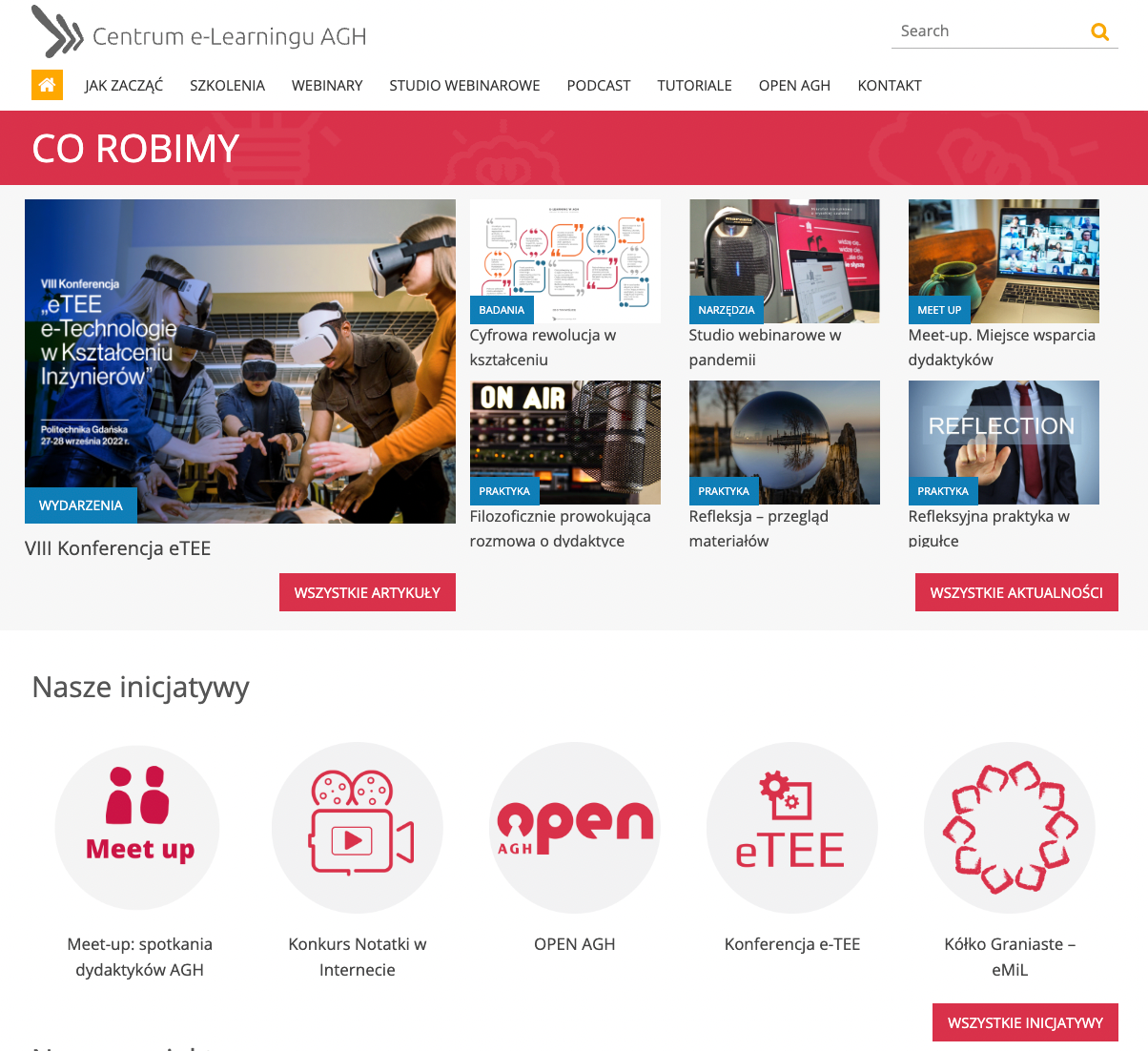
Before gaining LMS access, all AGH lecturers complete training provided by the e-Learning Centre. This ensures every instructor understands the LMS platform and the principles of effective distance learning — not just the technical operation of the tools. It’s a model that other organisations implementing an LMS for the first time would do well to follow.
From a developer’s perspective, the value goes even further:
From a developer’s perspective, the most useful feature of ClickMeeting is the Open API, which is an open application programming interface. This allows us at the IT Services Center to create tools so that university teachers can manage a large number of online meetings, as well as access extensive statistics and analysis.
Mikołaj Grochowski, M.Sc.
Moodle: The World’s Most Popular Free LMS
When organisations look at free LMS options, Moodle is almost always the first name on the list — and for good reason. Moodle LMS is open-source software released under the GNU GPL licence, meaning anyone can download, install, and customise it without licensing fees. It is the most widely deployed LMS globally, used by schools, universities, and corporate training departments across every industry.
The Moodle LMS architecture supports extensive customisation through plugins. One of the most valuable of these is the ClickMeeting integration for Moodle, which adds a live virtual classroom layer directly inside the LMS — allowing instructors to create and manage webinars and online meetings without leaving the Moodle environment.
Beyond plugins, organisations that want to fully customise their online LMS can use Moodle’s open API. This allows development teams to build custom workflows, automate complex event management processes, and integrate the LMS with other institutional systems — as demonstrated by the AGH IT Services Centre.
Moodle is not the only free LMS on the market. Canvas LMS is another widely used option, particularly in North American higher education. But for institutions that need European data hosting, deep customisability, and an active global community, Moodle LMS remains the top LMS choice.
|
Already using Moodle or another LMS? See how ClickMeeting integrates to add live teaching directly inside your platform. |
The Virtual Classroom Inside the LMS: What to Look For
One of the most critical spaces within any LMS is the virtual classroom — the live event environment where training, lessons, and interactive sessions happen in real time. The LMS connects learners to the content they need asynchronously; the virtual classroom is where synchronous teaching and learning takes place. The two must work together without friction.
When evaluating an LMS solution that includes or integrates a live event platform, look for the following capabilities:
- Different event types in one environment — the LMS must be able to host both intimate training sessions for small groups and large-scale lectures for hundreds of participants.
- Collaboration tools — a virtual whiteboard, chat, polls, and breakout rooms for group work are essential for the modern virtual classroom.
- Customisable room appearance — a good LMS allows you to apply your organisation’s branding to the event room, creating a coherent and professional learning environment.
- Browser-based access — the LMS that makes joining a live session effortless — no downloads, no plugins — removes the single biggest barrier to attendance.
- Mobile device support — a mobile LMS must extend to the live event environment, not just the course catalogue.
- Native LMS integration — an LMS that offers native integration with your event platform means users never leave the system to attend a live class.
ClickMeeting delivers all of these capabilities as a virtual training platform that integrates natively with Moodle and connects via API to other LMS environments. The result is an LMS solution that covers the full learning journey — from self-paced modules to live interactive sessions — without asking learners or instructors to use separate tools.
Who Needs a Learning Management System?
Contrary to appearances, LMS systems are not only the solutions addressed to the most advanced entities. The LMS market has expanded dramatically, and today an LMS for your company can be as relevant for a ten-person language school as for a 10,000-employee corporation. Here’s where an LMS is most commonly deployed:
- Public and private schools — for structured e-learning, homework submission, and parent communication.
- Universities — for course management, enrolment, large-scale virtual classes, and research collaboration.
- Language schools and training companies — for scheduling sessions, distributing materials, and tracking learner progress across cohorts.
- Platforms offering online courses — for delivering online course content at scale with automated enrolment and completion tracking.
- Companies training their own employees — for onboarding, compliance training, and ongoing skills development.
- Consulting and coaching companies — for LMS for customer education and structured client onboarding programmes.
The high flexibility of LMS platforms means they can be configured to serve very different needs. On one end, an LMS provides a comprehensive environment for moving all educational activity online. On the other, it can be limited to specific modules — training planning, recording distribution, and basic progress reporting — without requiring a full institutional rollout. An LMS usually doesn’t require major upfront investment, particularly with free LMS options like Moodle available.
Choosing the Right LMS: A Practical Guide to Learning Management Systems
This guide to learning management systems would be incomplete without a framework for choosing the right LMS for your specific situation. The LMS market is crowded, and every LMS vendor will claim to be the best fit for your needs. Here’s a structured approach to cutting through the noise.
Key Questions Before You Choose an LMS
Before comparing platforms or reading LMS reviews, answer these questions internally. They will narrow your options significantly and help you find the best LMS for your context rather than the most popular one:
- What types of learning will the LMS deliver? — Self-paced content only? Live virtual sessions? Blended? The answer determines which features are non-negotiable.
- How many LMS users will you have at launch — and in three years? — Scalability affects your architecture choice (cloud vs. self-hosted) and pricing model.
- What systems does the LMS need to integrate with? — HR software, CRM, video conferencing tools. Every LMS must connect cleanly to your existing stack or it will create new silos.
- What are your data compliance requirements? — GDPR, HIPAA, or sector-specific regulations may limit which LMS options are viable.
- What is your budget — and what’s the cost of the right LMS over three years, not just year one? — A free LMS may require significant development investment; a paid LMS may save that cost elsewhere.
Once you have answers to these questions, you are ready to look for an LMS with clear criteria. The right LMS is not the one with the longest feature list — it is the LMS that makes your specific use case work reliably, at your scale, within your compliance requirements.
Top LMS Platforms: Options and LMS Vendors to Evaluate
The top LMS choices for most organisations fall into a few clear categories. When finding an LMS, consider which of these best fits your profile:
- Moodle — best free LMS for institutions that want full customisation and can support technical maintenance. Widely used in European higher education. GDPR-compliant when hosted in the EEA. The best learning management system for organisations that need open-source flexibility.
- Canvas LMS — a widely used academic LMS in North America, with a clean interface and strong integration ecosystem. Good free LMS options available for small institutions.
- Cloud-based corporate LMS platforms — purpose-built for employee training, with integrations into HRIS and performance management tools. Companies use LMS platforms in this category to manage employee training at scale.
- Online LMS platforms for course creators — suitable for independent trainers or companies building a training lms for external audiences. An LMS for customer education typically falls into this category.
When you use LMS software from any of these vendors, the key factor is always integration. The best LMS software is the one that works within your existing ecosystem — not the one that requires everyone to rebuild their workflow around it. Use an LMS to create a connected learning environment, not a new silo. The LMS is right when learners barely notice it’s there.
Ultimately, choosing the right LMS is a strategic decision. An LMS is a strategic investment in your organisation’s knowledge infrastructure, and every LMS must be evaluated not just on today’s features but on its vendor’s roadmap, support quality, and community.
Frequently Asked Questions
Here are answers to the most common questions about learning management systems, LMS implementation, and integrating an LMS with ClickMeeting.
What does LMS stand for, and what is it used for?
LMS stands for Learning Management System. An online LMS is used to create, deliver, and track online learning programmes — from self-paced courses to live virtual classroom sessions. Companies use LMS platforms to manage employee training, onboarding, and compliance; universities use an academic LMS for course administration and student progress tracking. An LMS usually handles everything from enrolment to reporting within a single platform.
What is the difference between an LMS and a virtual classroom?
An LMS is the management layer — it handles course structure, enrolment, access control, progress tracking, and reporting. A virtual classroom is the live event space where synchronous teaching happens. The two work best together: the LMS organises the learning journey, and the virtual classroom delivers the real-time interaction. ClickMeeting functions as the virtual classroom component that integrates directly with LMS platforms like Moodle.
Is Moodle the best free LMS available?
Moodle is widely considered the best free LMS for organisations that need open-source flexibility, full data control, and a large plugin ecosystem. It is the most deployed LMS globally. However, it requires technical expertise to set up and maintain — so while it is a free LMS in terms of licensing, it does carry implementation and hosting costs. Canvas LMS and others offer free LMS options for smaller institutions with simpler needs.
What should I look for when choosing the right LMS?
When choosing the right LMS, prioritise: the types of learning it must support (synchronous, asynchronous, blended), how many LMS users you need to scale to, what integrations you require (especially with live event tools), your data compliance requirements, and the total cost of ownership over three years. The right LMS is the one that fits your actual workflows — not the one with the most features in a demo.
Can I use an LMS for customer training, not just employee training?
Yes. An LMS for customer education is a growing use case, particularly for SaaS companies, professional services firms, and product-focused businesses. An LMS for customer onboarding and ongoing training improves retention, reduces support load, and creates a more informed customer base. The LMS delivers the same core functionality — content, assessment, tracking — whether the audience is internal employees or external customers.
What is the difference between a cloud LMS and a self-hosted LMS?
A cloud-based LMS is hosted on the vendor’s infrastructure and accessed via browser — the vendor manages maintenance, updates, and security. A self-hosted LMS (also called an installed LMS) runs on the organisation’s own servers, giving full control over data and customisation but requiring in-house technical resources. Most organisations today choose a cloud LMS for its lower barrier to entry, but institutions with strict data sovereignty requirements may prefer a self-hosted LMS.
How does ClickMeeting integrate with an LMS?
ClickMeeting integrates with Moodle LMS via a dedicated plugin, allowing instructors to create and manage webinars and online meetings directly from inside Moodle. Learners can join live sessions with a single click from their LMS dashboard — no separate login or link required. For other LMS platforms, ClickMeeting connects via its open API, enabling custom integrations suited to the institution’s specific workflow. See the full guide to Moodle integration for step-by-step instructions.
What LMS features are most important for corporate training?
For corporate LMS systems, the most critical LMS features are: personalised learning paths, SCORM/xAPI compliance for content portability, robust analytics and reporting, mobile access, and integration with HR and performance management platforms. A corporate LMS should also support compliance training workflows with automatic certification, audit trails, and deadline tracking. Every LMS in this category must be able to scale with the organisation’s headcount without requiring a full re-implementation.
Who is interested in learning management systems — is it only for large organisations?
Anyone interested in learning at scale can benefit from an LMS. A training lms is just as useful for a 10-person language school as for a 10,000-employee enterprise — the difference is in which features you use. Free LMS options like Moodle make the entry point accessible for smaller organisations. An LMS may be configured as a simple content library with basic tracking, or as a full enterprise-grade learning platform with personalised learning paths, advanced analytics, and live virtual classroom integration.
How do I find the best LMS software for my specific needs?
To find the best LMS, start by defining your non-negotiables: required integrations, data compliance, user scale, and budget. Then evaluate the top LMS vendors against these criteria with a structured demo or trial. Use an LMS to create a small pilot course and test the learner experience end-to-end before committing. The best LMS software for your needs is the one that your instructors and learners find intuitive — because an LMS that people avoid using delivers no benefit regardless of its feature list. ClickMeeting offers a free 14-day trial if you want to test the virtual classroom component of your LMS setup first.
|
Ready to add a live virtual classroom to your LMS? Start a free trial and see how ClickMeeting integrates with Moodle and other learning platforms in minutes. |